



Download videos from the Internet by means of Firefox
The Internet is full of videos. If, apart from viewing them, you want to be able to download them to your computer you can use the browser. Those who use Mozilla Firefox can now make the most of Video DownloadHelper.
The easiest way to download and convert videos.
Video DownloadHelper is an add-on for Firefox that allows you to download any video or image from the Internet. It includes detection, download and conversion tools and is compatible with a large amount of web pages, including:
- YouTube
- WatchMoviesOnline
- DailyMotion
- AnimeFuel
- MetaCafe
- Myspace
- Porkolt
- iFilm
- DreamHost
How does it work?
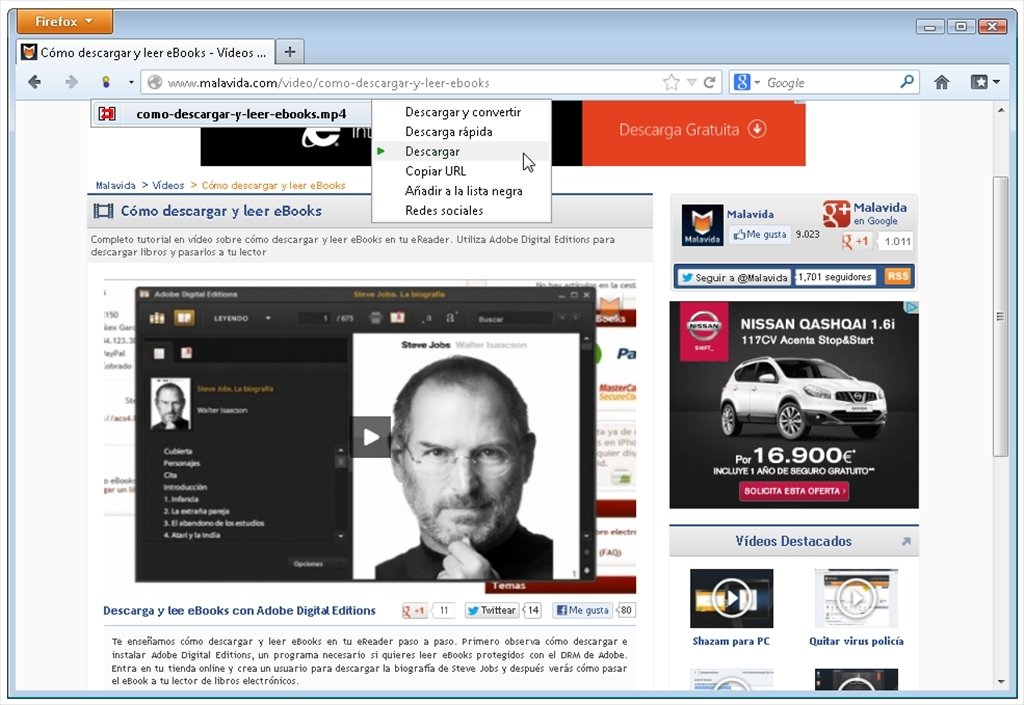
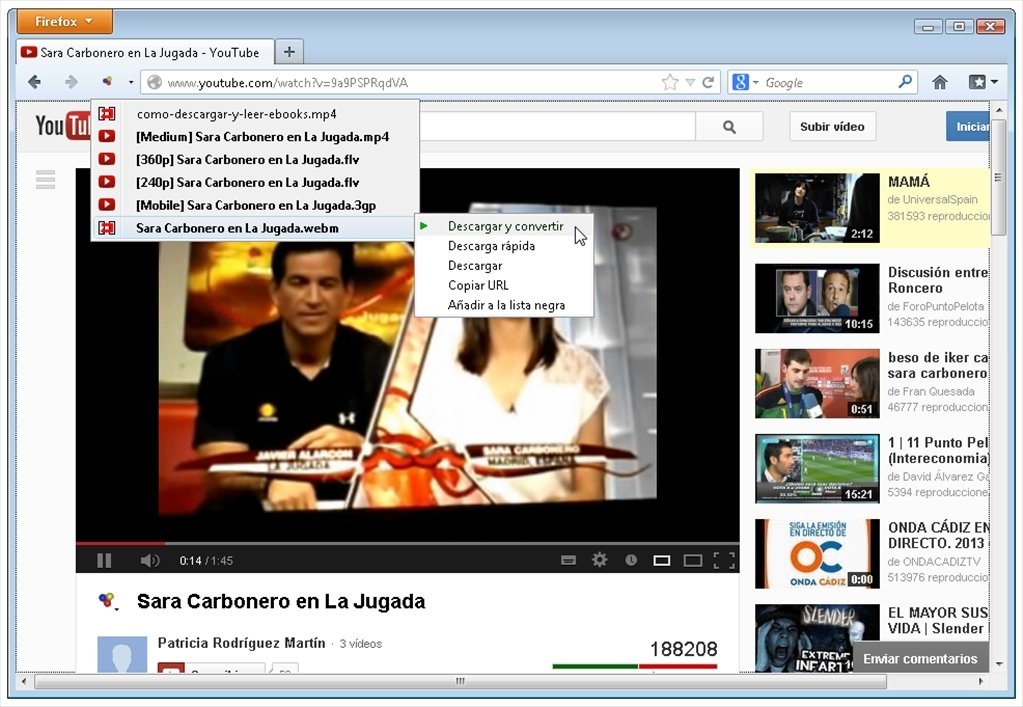
The functionality of Video DownloadHelper is intuitive and effective. Browse your favorite pages as usual and when a video is detected, the application's icon will flash. Press it and choose the option you need from a drop-down menu.
Other Features
- Download videos from pages with adult contents.
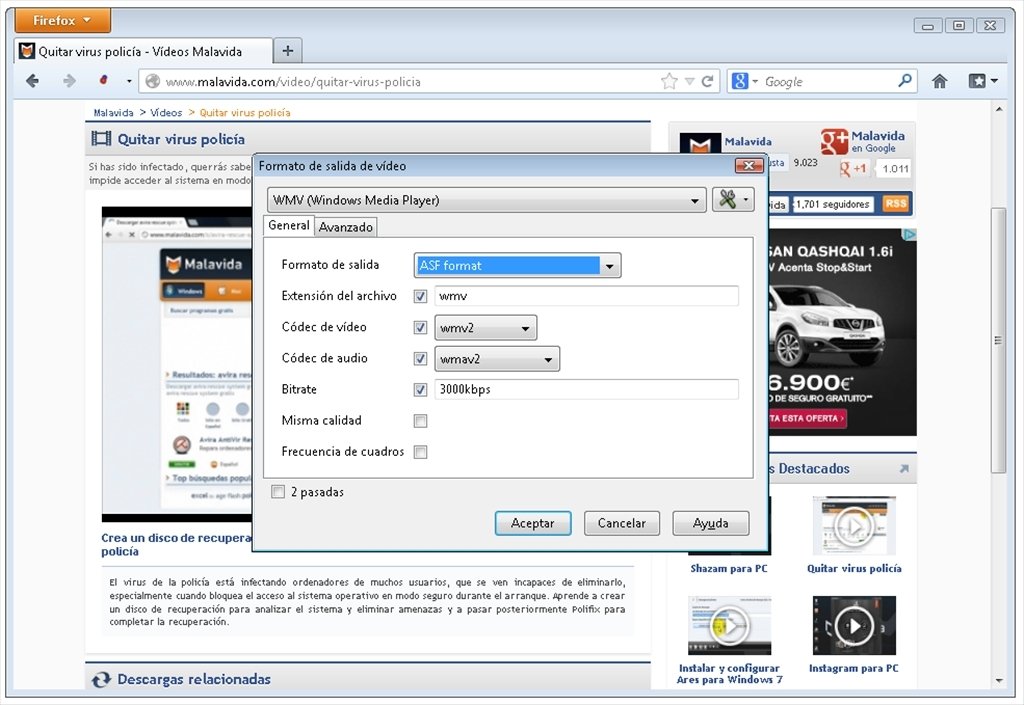
- Carry out format conversions with your normal converters.
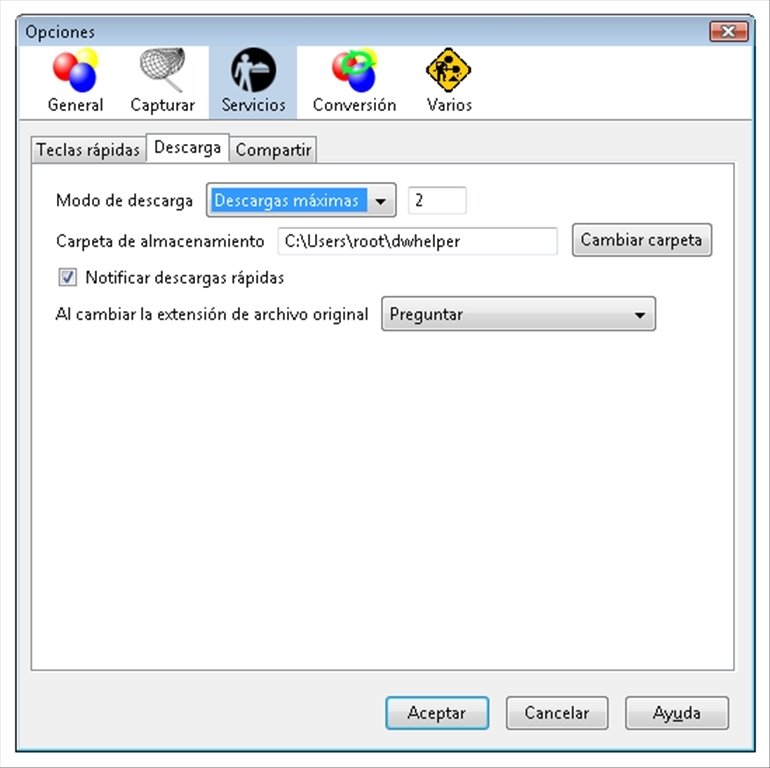
- Download files individually (managing your bandwidth) or batch downloads.
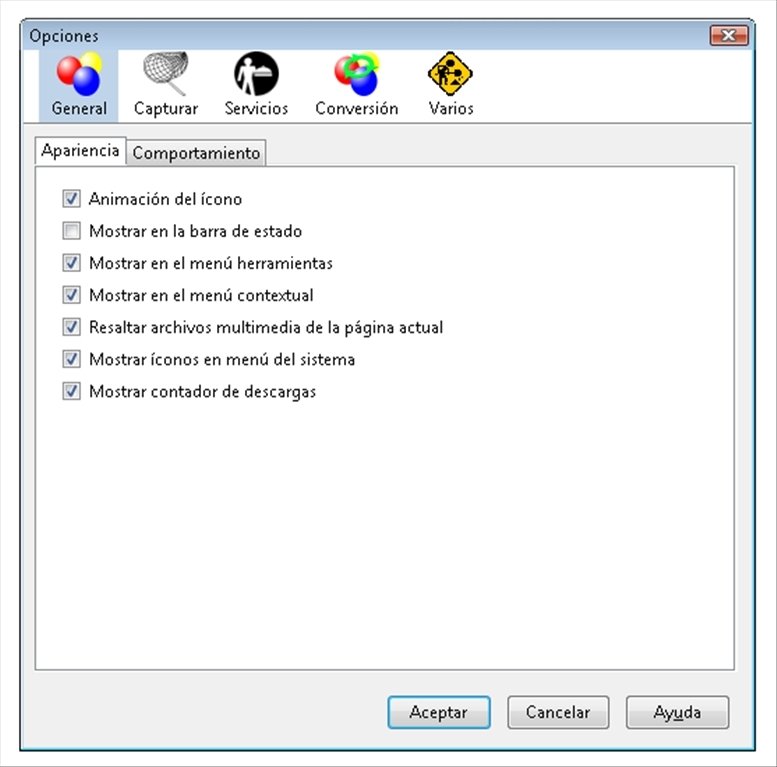
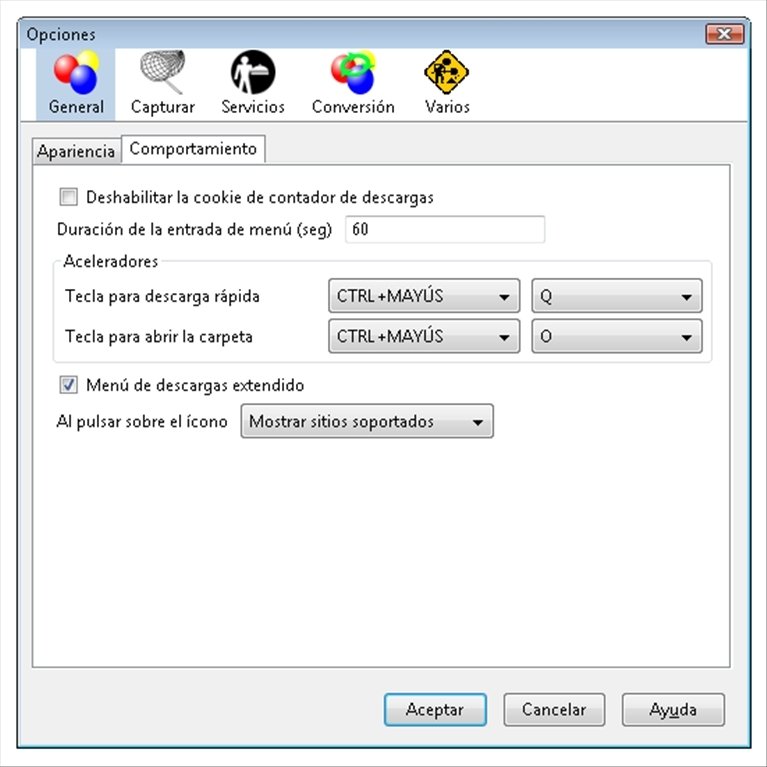
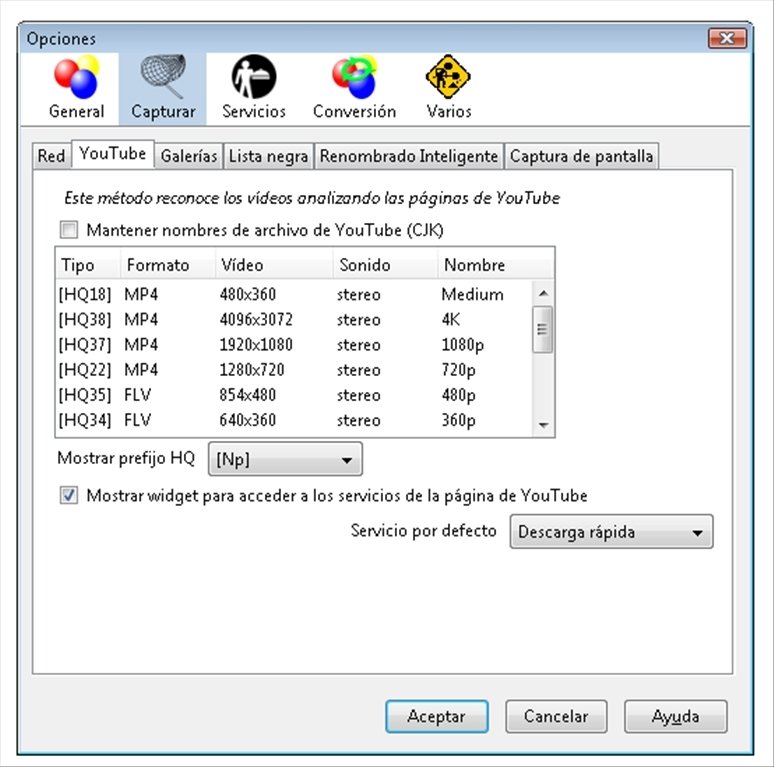
- "Options" available from the "Tools" menu in Firefox.
Download and save all the Internet videos that you like using Video DownloadHelper free for Firefox.
Requirements and additional information:
- This download requires an Internet connection.
- You need to have Firefox installed.
 Héctor Hernández
As a technology journalist with over 12 years of experience in the world of software and apps, I have had the opportunity to try all kinds of devices and operating systems over the years. I have done from software or mobile applications reviews...

Antony Peel